Do Not Compare Software on Features Alone
A window and door software comparison should start with the way your business actually sells and delivers work. Two systems can both say they design frames and create quotes while creating very different experiences for the salesperson, customer and office team.
Before switching, map the moments that matter most in your current process and the problems you want the new system to solve.
1. Compare the Sales Conversation
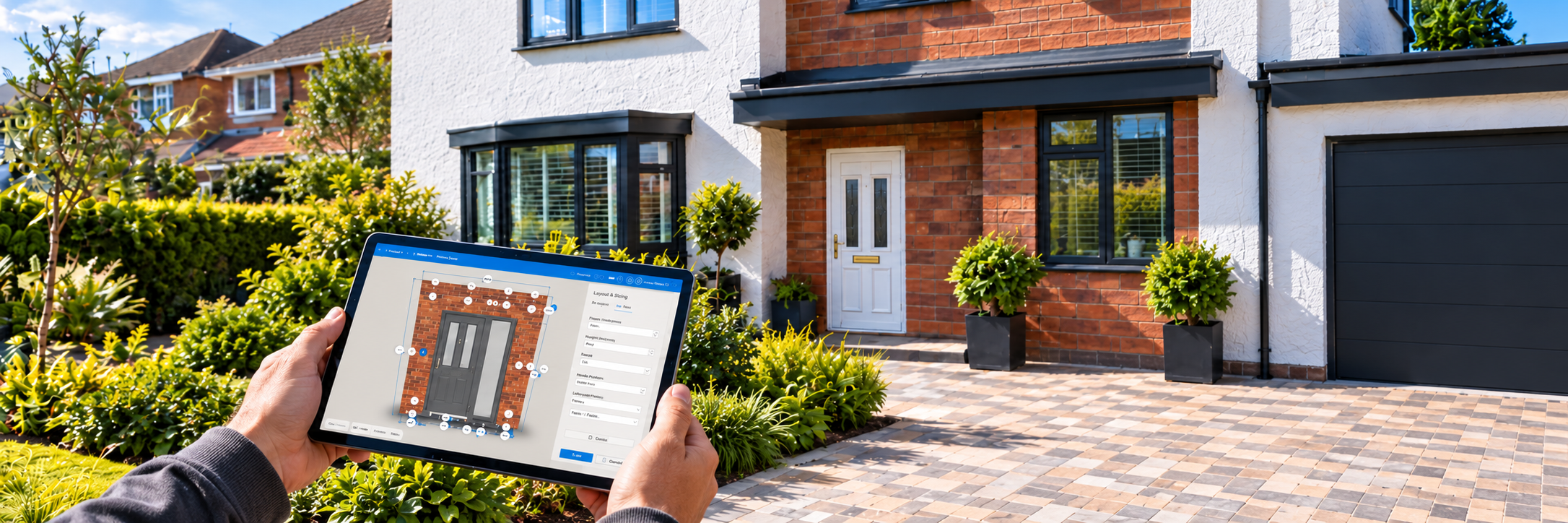
Can the salesperson use the software naturally with a customer, or does the system feel like back-office admin? Can they adjust the design, explain options and keep the customer involved?
The WindowCAD homepage positions design, visualisation, pricing, quoting and survey as parts of one sales-to-order journey.
2. Compare Visual Selling
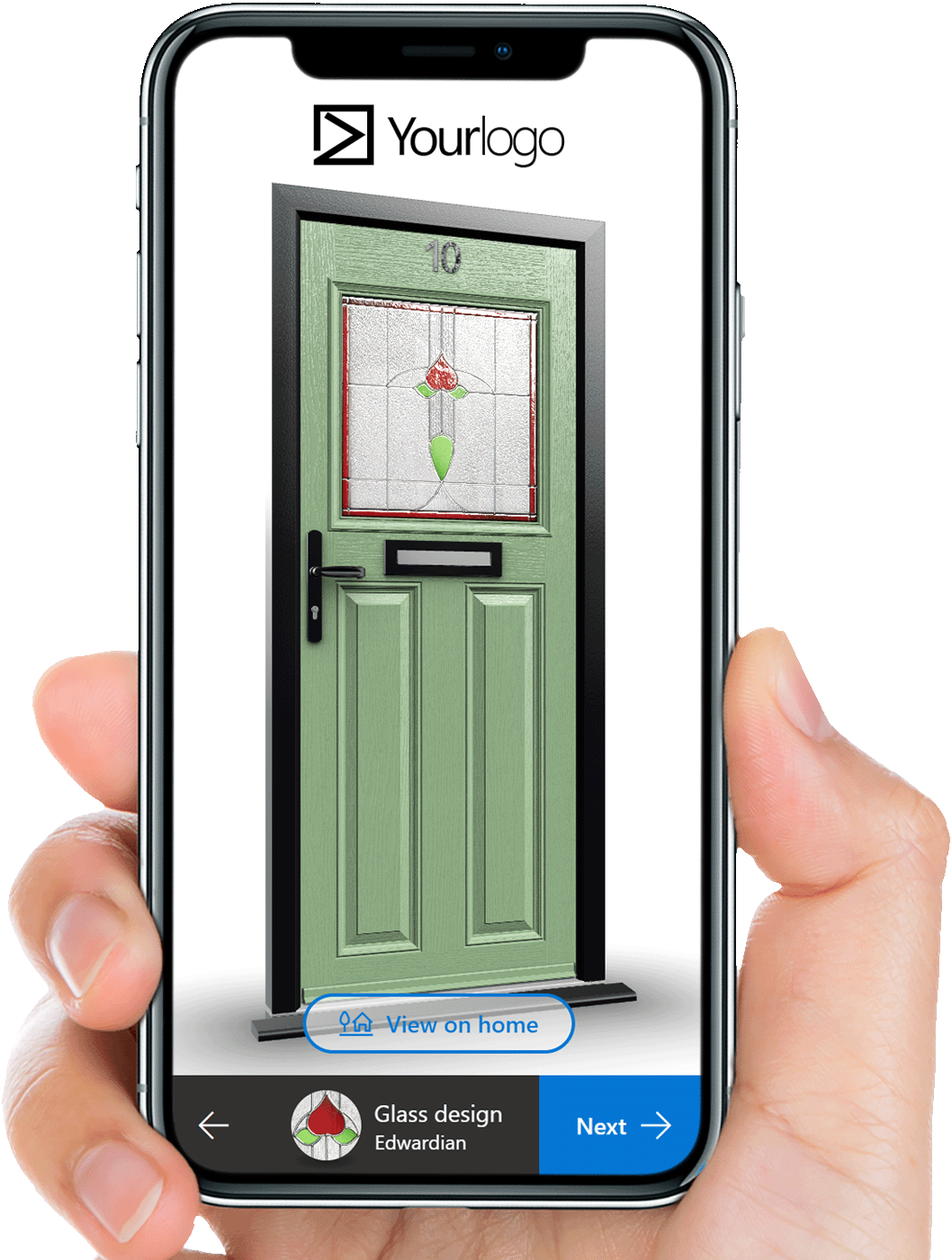
Customers often need to see the difference between options. Look at the quality and flexibility of 3D views, colours, finishes and home visualisation.
Use a real task when testing. The visualisation tutorial is a useful example of the kind of practical workflow to compare.
3. Compare Pricing and Documents
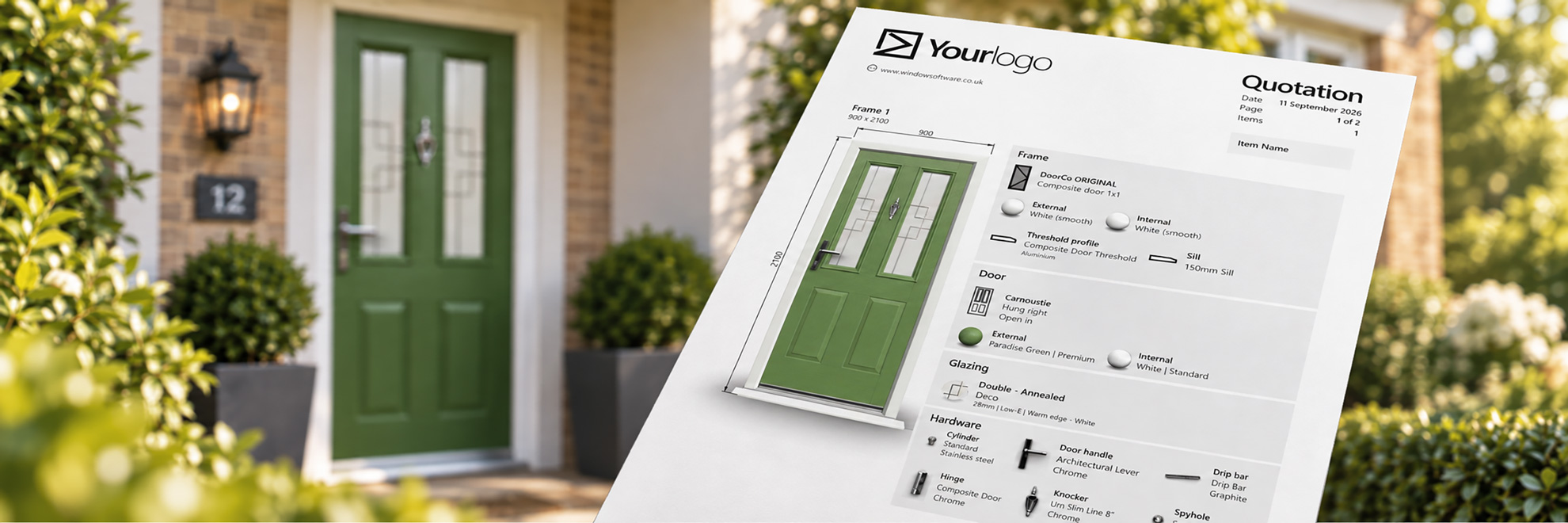
Ask how pricing is maintained, how mark-ups are handled and what the customer receives. The document should support your brand rather than look like an afterthought.
Also check whether the software goes beyond quotation creation when your workflow needs price requests, contracts or orders.
4. Compare What Happens After the Sale
Many software comparisons stop at the quote. Your business still has to survey, order and deliver the job.
The quick start guide demonstrates the basic project structure. When reviewing alternatives, test how the same project moves between people rather than only how quickly a first quote can be created.
5. Compare Access for the Whole Team
Think about sales reps on the road, surveyors, office staff and any trade customers who may need access. Browser-based access, device flexibility and account structure can matter as much as a headline feature.
Also consider how easy it is to maintain products, colours and pricing as your range changes.
6. Compare the Business Fit
A sole trader, installer, supplier and fabricator will not prioritise the same things. The best system is the one that matches your operating model rather than the one with the longest list.
Use the compare WindowCAD plans page to see how WindowCAD separates those needs, and the WindowCAD FAQ for common account questions.
Switch for a Better Process, Not a New Logo
Changing software is worthwhile when it makes the business easier to sell through and easier to progress after the customer says yes. A good comparison therefore tests the complete workflow, not only the first five minutes of a demo.
Want to compare WindowCAD for yourself? Book a WindowCAD demo, then watch Custom Trade Systems explain why they use WindowCAD.