A window and door salesperson may be in a customer’s kitchen, on a building site, in a showroom or between appointments when the next sales opportunity appears.
If the useful tools only exist on one office computer, the salesperson is forced to work around the software instead of using it in the conversation where the buying decision is being made.
Modern window sales software should help the rep look professional, show the customer what they are buying and keep the project moving without making the appointment feel like an administrative exercise.
1. Access the Same Sales Tools Wherever the Conversation Happens
WindowCAD runs in a browser on phones, tablets and computers. The WindowCAD FAQ also confirms that a company can have multiple users, with sales-rep sub-accounts available where businesses want projects kept separate.
For a salesperson, the important benefit is practical: the sales presentation can travel with them rather than being tied to the office.
2. Design the Job While the Customer Is Involved
A rep should be able to move beyond notes and return calls when the customer is ready to discuss the actual project.
Creating and adjusting the design during the conversation gives the customer something specific to respond to. Frame styles, sizes, colours and product choices can be discussed while the salesperson still has the customer’s attention.
The WindowCAD quick start guide shows the basic journey from project creation to adding and changing frames and printing a document.
3. Turn the Tablet Into a Visual Sales Tool
A mobile device should do more than display a price list. It can help the rep make the proposed job easier to understand.
WindowCAD can create realistic 3D views and visualise frames on the customer's own home, helping the salesperson move from 'imagine this' to a visual conversation about the actual property.
That homeowner-facing benefit only matters commercially when it supports the rep. The value to the business is a clearer, more professional sales discussion.
4. Keep Pricing Close to the Design
Having pricing information alongside the design can be an additional selling benefit, helping reps discuss the proposal with confidence while allowing for any company approval or supplier prices needed before a quotation is issued.
On WindowCAD plans with pricing features, pricing can be connected to the frames being designed, with mark-ups applied by percentage or value.
The goal is not to rush the customer. It is to give the salesperson the information needed to discuss the proposal with confidence while the project is still live.
5. Leave the Customer With Professional Paperwork
The impression created during the appointment can be weakened if the follow-up arrives as an inconsistent or generic document.
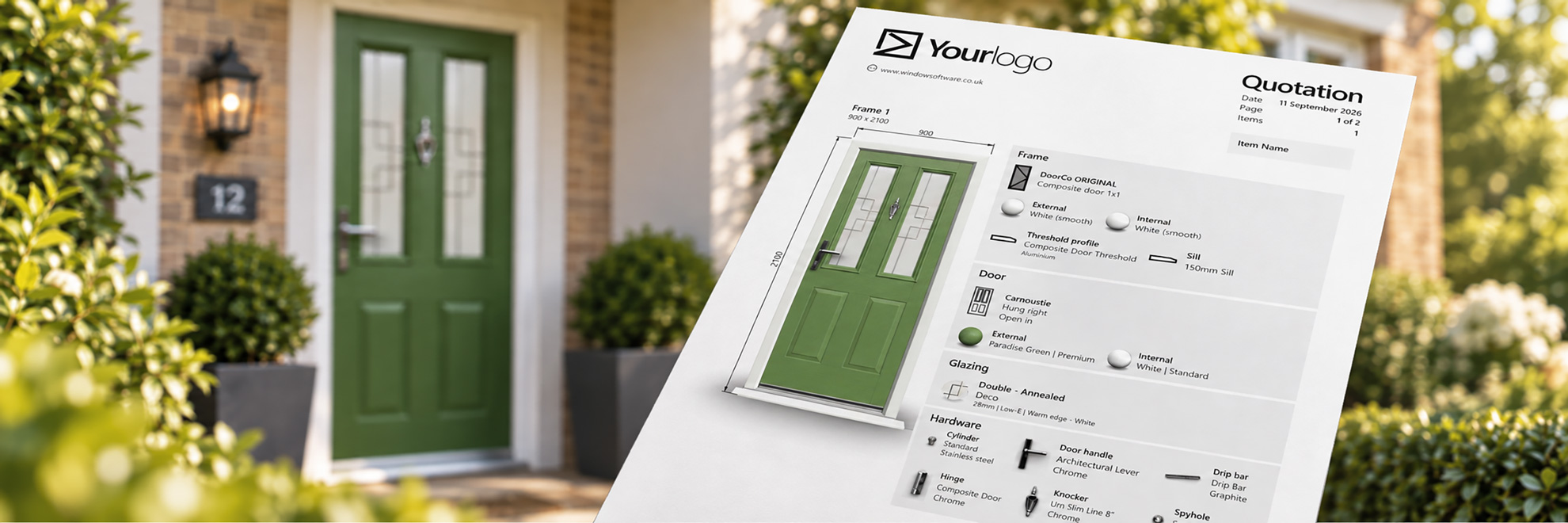
WindowCAD can create professional documents customised with company branding and contact details. Where relevant, the document journey can include quotations, price requests, contracts and orders.
For the rep, that means the professional presentation continues after they leave the customer’s home.
6. Hand Over the Project Without Starting Again
Winning the job is not the end of the process. The project may need to move to a surveyor, office team or ordering stage.
All WindowCAD plans support moving projects through quotation, survey and order stages, even when different people handle each stage within one account. Standard also offers sales-rep sub-accounts where a company wants projects kept separate.
A good handover protects the sale because the customer should not feel that the company has forgotten what was agreed once another person becomes involved.
7. Give the Rep a Sales System, Not Just a Mobile Screen
The wider value of WindowCAD window and door software is that design, visualisation, pricing, professional documents and project progression can sit within the same sales journey.
For the business, that creates a more consistent way for reps to present the company and sell jobs wherever the appointment happens.
Frequently Asked Questions
Can WindowCAD be used on a tablet?
Yes. WindowCAD runs in a browser and works on phones, tablets and computers.
Can different sales reps use WindowCAD?
WindowCAD allows unlimited users on unlimited devices. Standard also offers sales-rep sub-accounts where a company wants projects kept separate.
Can a sales rep show the customer windows and doors on their own home?
Yes. WindowCAD can place 3D frames onto a photograph of the customer’s property.
Can the project move from the salesperson to a surveyor?
Yes.
Put the Sales Tools Where the Sale Happens
A modern sales rep does not need more technology for the sake of it. They need tools that make the company easier to buy from and help the rep present the job professionally.
You can compare WindowCAD plans to see which level best fits a sole trader, installation sales team or supplier network.