Window and door software in 2026 should be judged by more than a long list of features. It should make everyday work easier for the business and the buying journey clearer for the customer.
The real question is simpler: does it make the job easier for the business and clearer for the customer?
For installers, suppliers and sales teams, that means software should support more than drawing a frame. It should help with how products are presented, priced, quoted, handed over, and moved towards an order.
That is the standard we think modern window and door software should be aiming for.
1. Do More Than Draw a Frame
Design is still the starting point, but it should not be the finish line.
A useful system needs enough flexibility to reflect the products a business actually sells. WindowCAD supports PVCu, aluminium and timber windows, residential and French doors, composite doors, patio and bifolding doors, shaped frames, bays, bows and glazed units. Profiles, dimensions, colours and materials can also be customised.
That matters because a design tool is only useful if it can represent the choices you need to present to a customer.
2. Make Products Easier to Explain
Windows and doors can be technically detailed, but the customer experience should not have to feel technical.
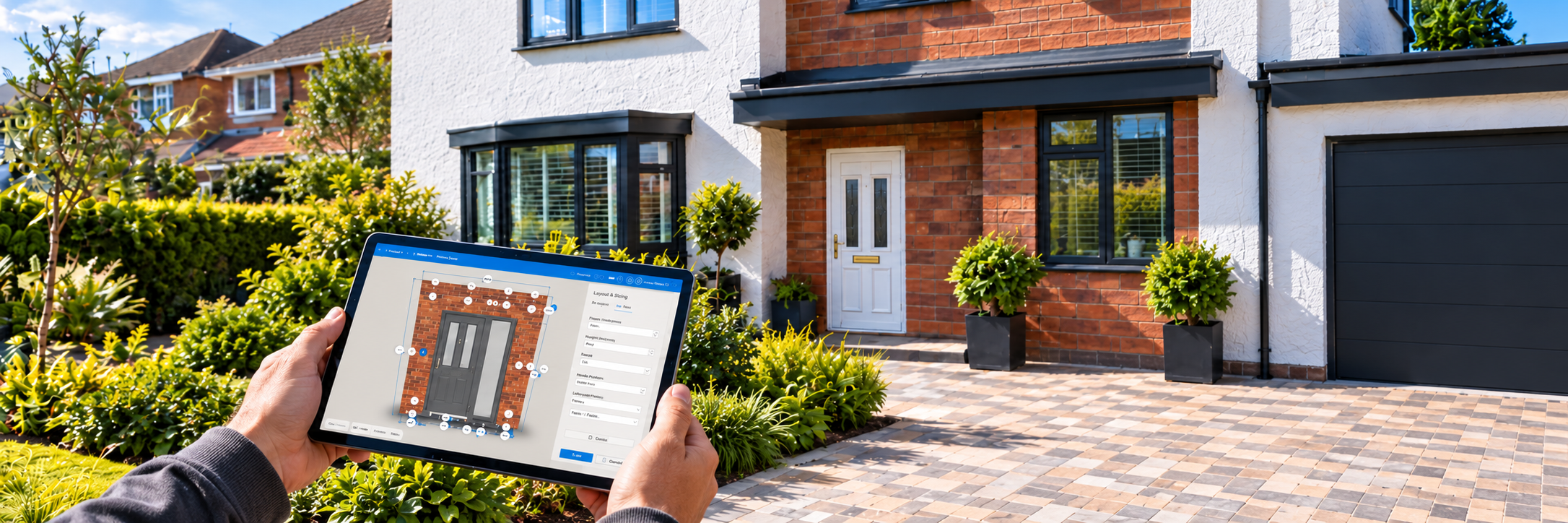
Modern software should make it easier to show what has been selected, not just record it. WindowCAD can display realistic 3D designs, visualise sprayed, grain, foil and RAL colours, and demonstrate how doors and window sashes open and close.
Those details can turn a specification into something a customer can actually understand.
3. Help Customers See the Result Before They Buy
A customer choosing new windows or doors is investing in one of their most loved and prized possessions: their home, a place where they want to wind down, reflect and make memories. Asking them to imagine the finished result from a flat drawing or colour swatch is a big ask.
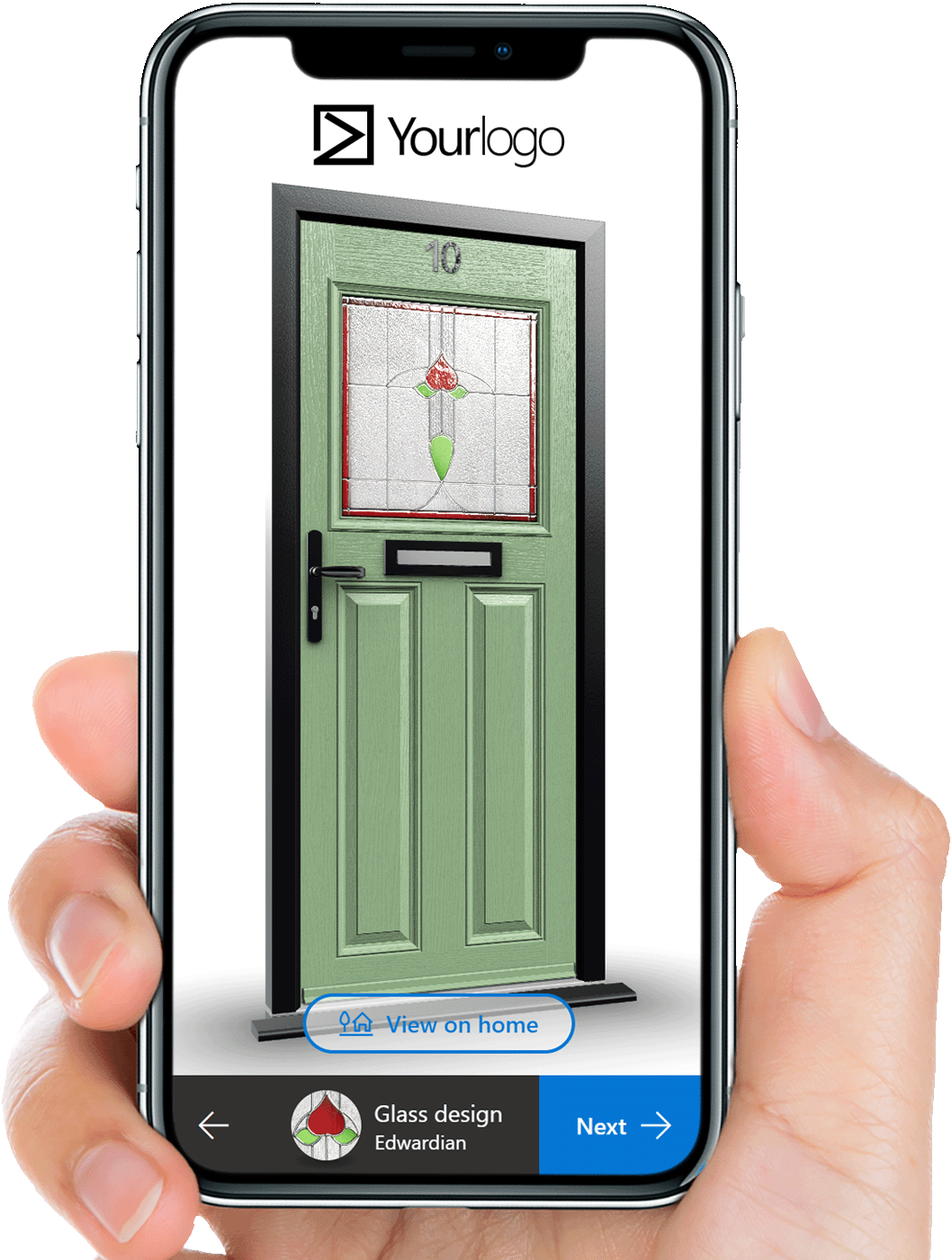
WindowCAD can place 3D window and door designs onto a photograph of the customer's own home, so different products, frame styles, colours and configurations can be explored in context. 3D views can also be saved and shared with customers.
See how WindowCAD 3D home visualisation works.
In 2026, visualisation should be part of the sales conversation, not an optional extra hidden away at the end.
4. Connect Design to Pricing and Quotation
Once a customer likes the design, the next question is usually price.
Good window and door software should help keep those stages connected. Depending on the WindowCAD plan, businesses can use pricing tools, apply mark-ups and promotions, and create professional documents such as quotations, price requests, contracts and orders. PDF documents can be customised with company branding and contact details.
The available pricing and quotation features vary by plan, so it is worth checking exactly what is included. Compare WindowCAD plans.
The aim is a clearer journey from what the customer has seen to what they are being quoted for and ultimately ordering.
5. Turn a Website Into Part of the Sales Process
A modern website should do more than display product photographs and a contact form.
WindowCAD includes online designers that can be added to a company's website. Homeowners can use the Composite Door Designer for a composite door or the Retail Window & Door Designer for full window and door projects, then submit their details for a quotation.
Those projects can flow into WindowCAD Office, giving the business a starting point for continuing the enquiry.
That is a useful example of software that joins marketing and sales rather than treating them as completely separate functions.
6. Keep the Project Useful After the Customer Says Yes
Winning the quote is not the end of the process.
WindowCAD Lite can track job status from enquiry to order. WindowCAD Standard supports passing projects from the sales representative to the surveyor and onwards towards ordering. WindowCAD can also create cutting lists and glazing sizes for manufacturing.
The important point is that the information created during the sale can continue to support the job as it progresses.
7. Work Wherever the Team Works
Window and door sales occur in offices, showrooms, and customers' homes, so software should not depend on a single desk or machine.
WindowCAD runs in a browser on phones, tablets and computers, with no software installation required. All plans include unlimited users on unlimited devices.
That gives businesses more freedom to use the system where the work is actually happening.
8. Fit Different Types of Window and Door Business
Sole traders, installers, suppliers and fabricators do not all need the same level of functionality.
WindowCAD is offered in Lite, Standard and Pro plans for different types of users. The plans range from tools for single users to installer workflows, and supplier features such as branded trade customer sub-accounts, automatic pricing and unlimited projects on Pro.
Modern software should give a business room to choose the level that fits how it operates, rather than forcing every customer into exactly the same setup.
A Simple Checklist Before You Choose Window & Door Software
Before choosing any window and door software, it is worth asking:
- Can it represent the products, profiles, colours and finishes we actually sell?
- Can it help customers understand and visualise their choices?
- Can it support pricing and professional quotations?
- Can our website generate useful enquiries through it?
- Can project information continue from sales towards survey and order?
- Can it support manufacturing orders where needed?
- Can our team use it across the devices and locations we work from?
- Does the plan match the size and type of our business?
So, What Should Window & Door Software Actually Do in 2026?
It should do more than digitise the drawing stage.
The best fit is software that helps a window and door business present products clearly, involve customers in the design process, and create the documents needed at each stage, including quotations, surveys, orders and contracts, while keeping projects moving and making useful information available to the people who need it.
WindowCAD brings those areas together in software built specifically for the window and door industry.
If you want to see how that works in practice, compare WindowCAD plans or start a 7-day free trial.